
Disable the built-in keyboard on my Mac so I can set my external keyboard ontop of it
Essays and updates on product, engineering, and AI by Chase Adams.
1 minute read
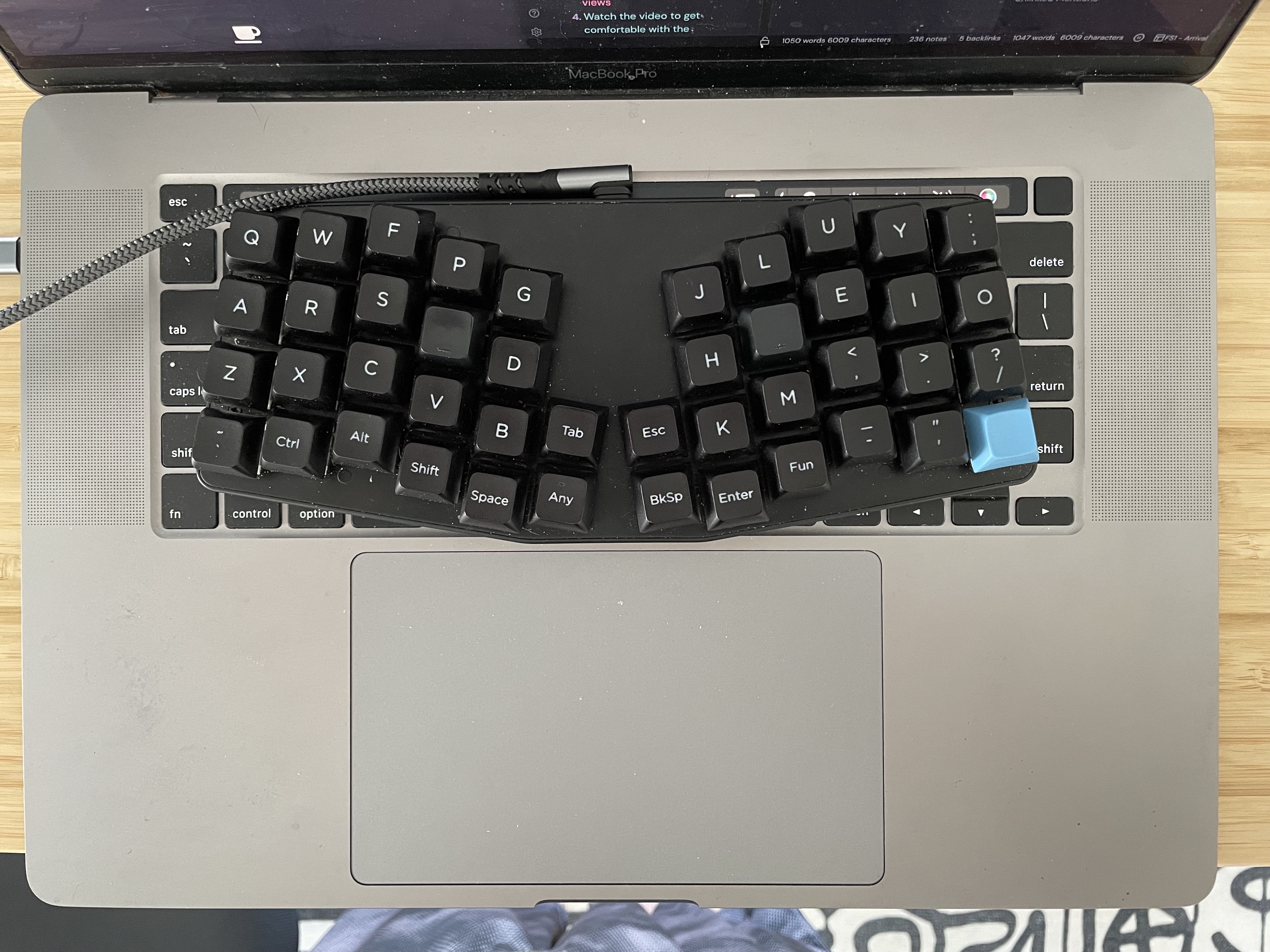 Karabiner Elements to disable my built-in Mac keyboard when I'm on the go so that I can set my KeyboardIO Atreus (Mechanical Keyboard) on top of it.
To do this (after installing Karabiner Elements):
- Make sure your keyboard is plugged in (if physical connection) or enabled (if bluetooth)
- open the Karabiner Elements settings and click Devices > Advanced.
- Under Disable the built-in keyboard, select set the toggle to on, so that it is a darker gray.
- Now, whenever your external keyboard is connected, your Mac's built-in keyboard will be disabled and it won't experience any keypresses from the built-in keyboard.
First Cohort
No Coding Experience Required
Build Your Website with AI—No Code Required
Learn to create and deploy professional websites using ChatGPT and Claude. Go from complete beginner to confident website builder.