

Adding iFrame to Obsidian Note
Essays and updates on product, engineering, and AI by Chase Adams.
1 minute read
I need to add embeds to my Obsidian notes a specific way so that they render on my website (chaseadams.io) and so that they render properly in my notes.
When adding an embed, the iFrame needs to be added with a div with className="iframe-wrapper".
As an example, a Loom would look like this:
<div className="iframe-wrapper">
	<iframe
	src="https://www.loom.com/embed/5ccaf045fe15410fb9369a70c3dc7210"
	webkitAllowfullScreen mozAllowFullScreen allowFullSscreen>
	</iframe>
</div>
It would render like this in Obsidian:
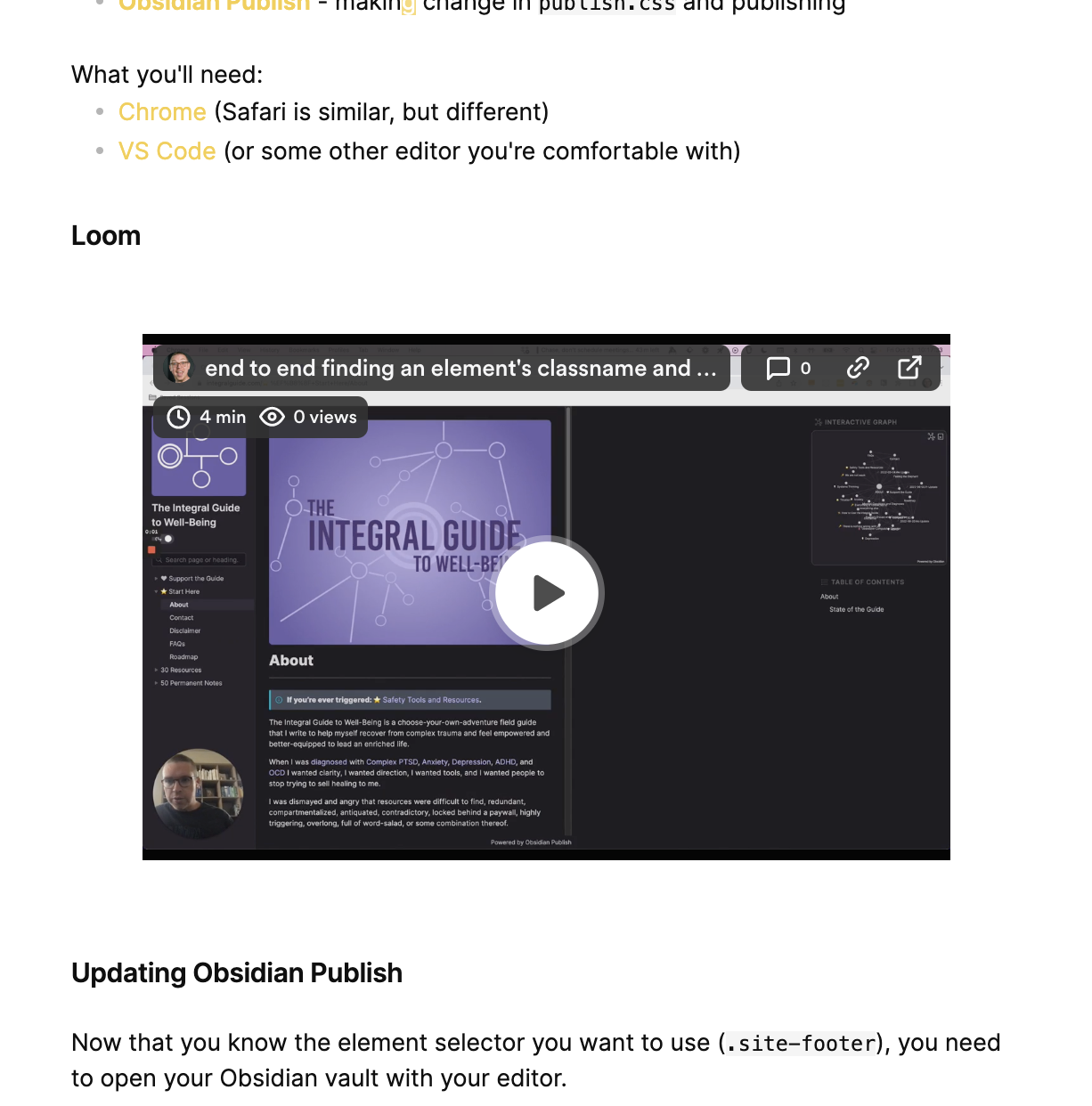
and like this in my website:
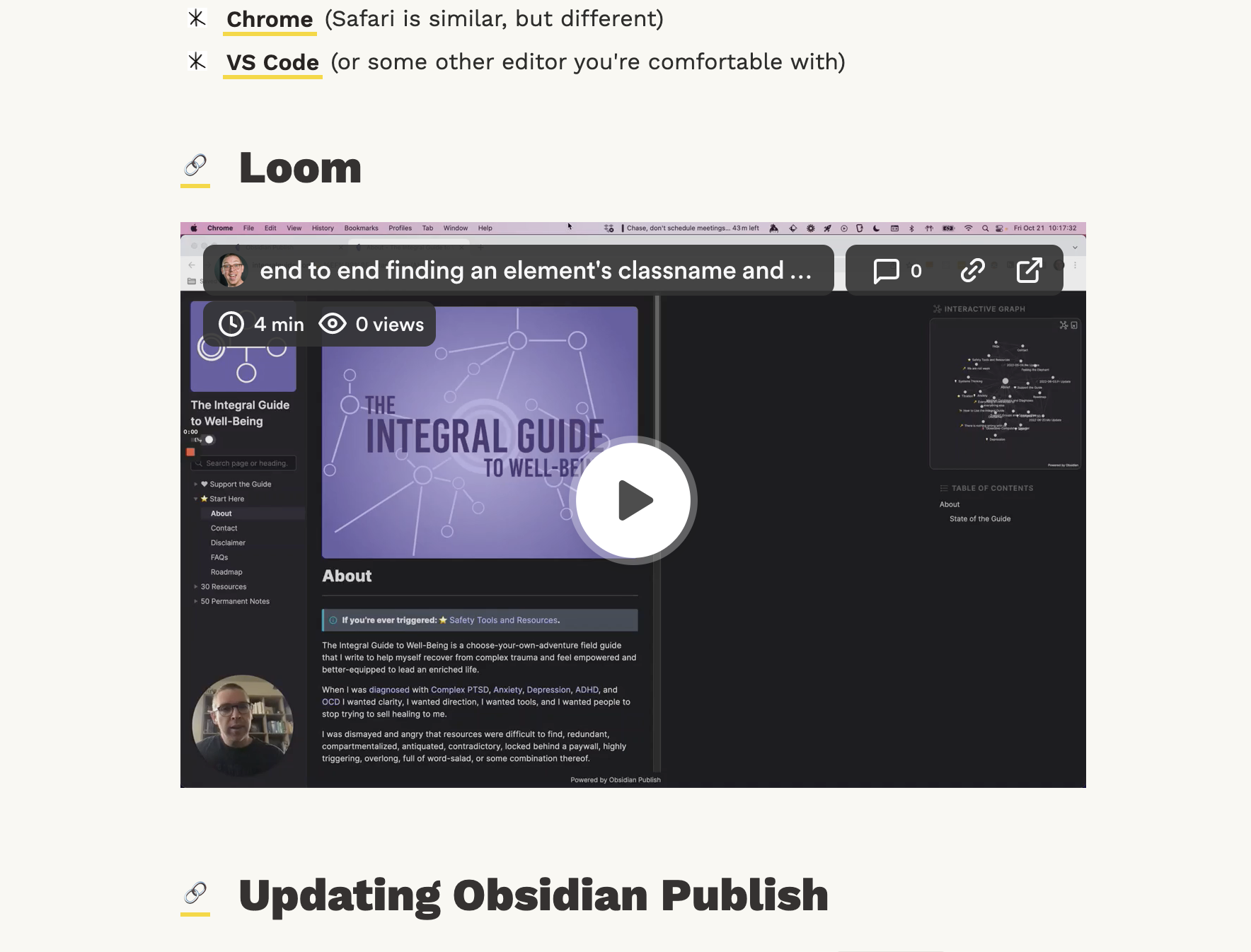
The CSS that makes this work:
.iframe-wrapper {
  position: relative;
  width: 100%;
  padding-bottom: 56.25%;
  margin: 2rem 0;
  height: 0;
}

.iframe-wrapper iframe {
  border: none;
  width: 100%;
  height: 100%;
  position: absolute;
  top: 0;
  left: 0;
}
This allows the .iframe-wrapper to control the display of the iframe.
First Cohort
No Coding Experience Required
Build Your Website with AI—No Code Required
Learn to create and deploy professional websites using ChatGPT and Claude. Go from complete beginner to confident website builder.